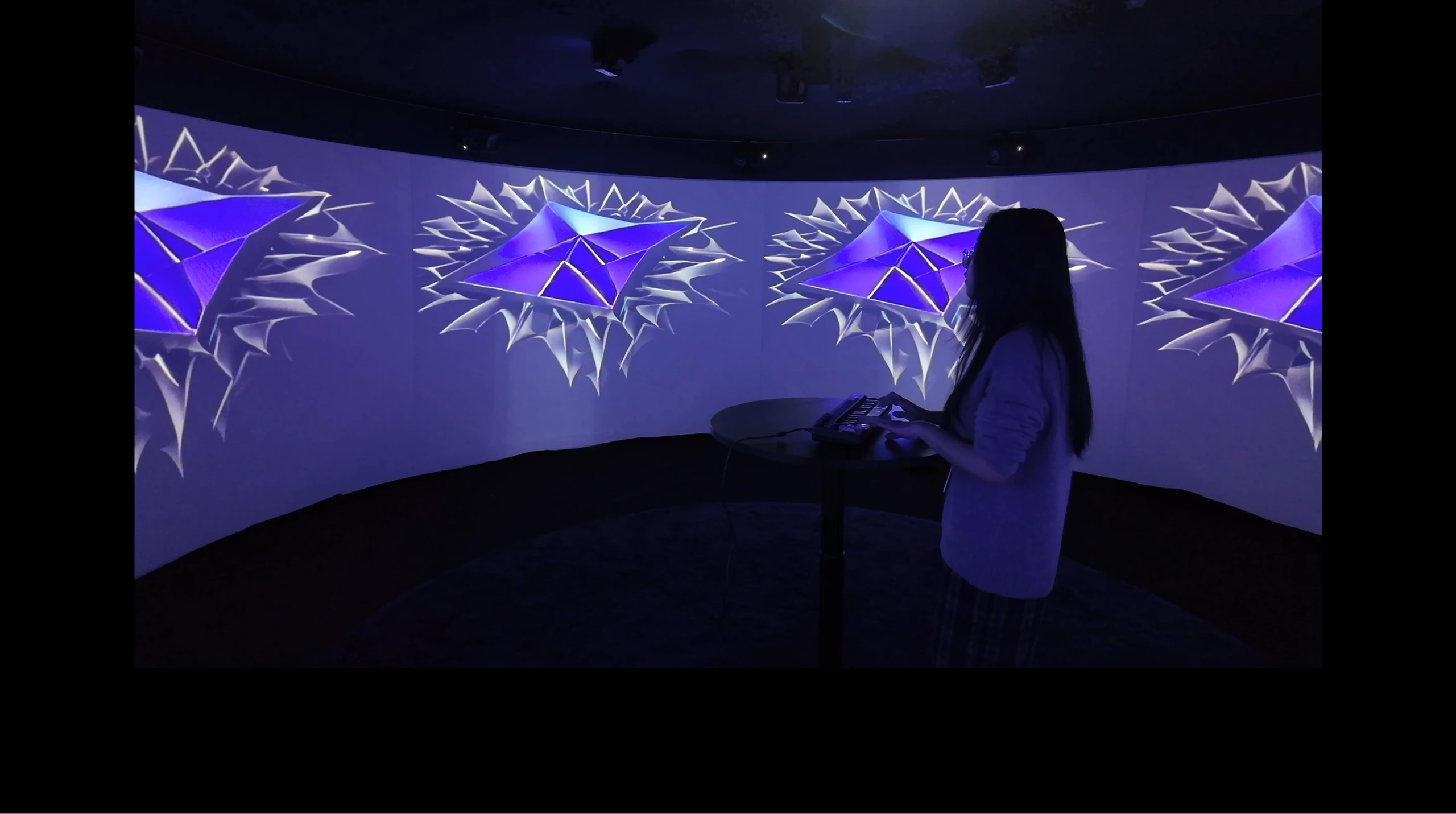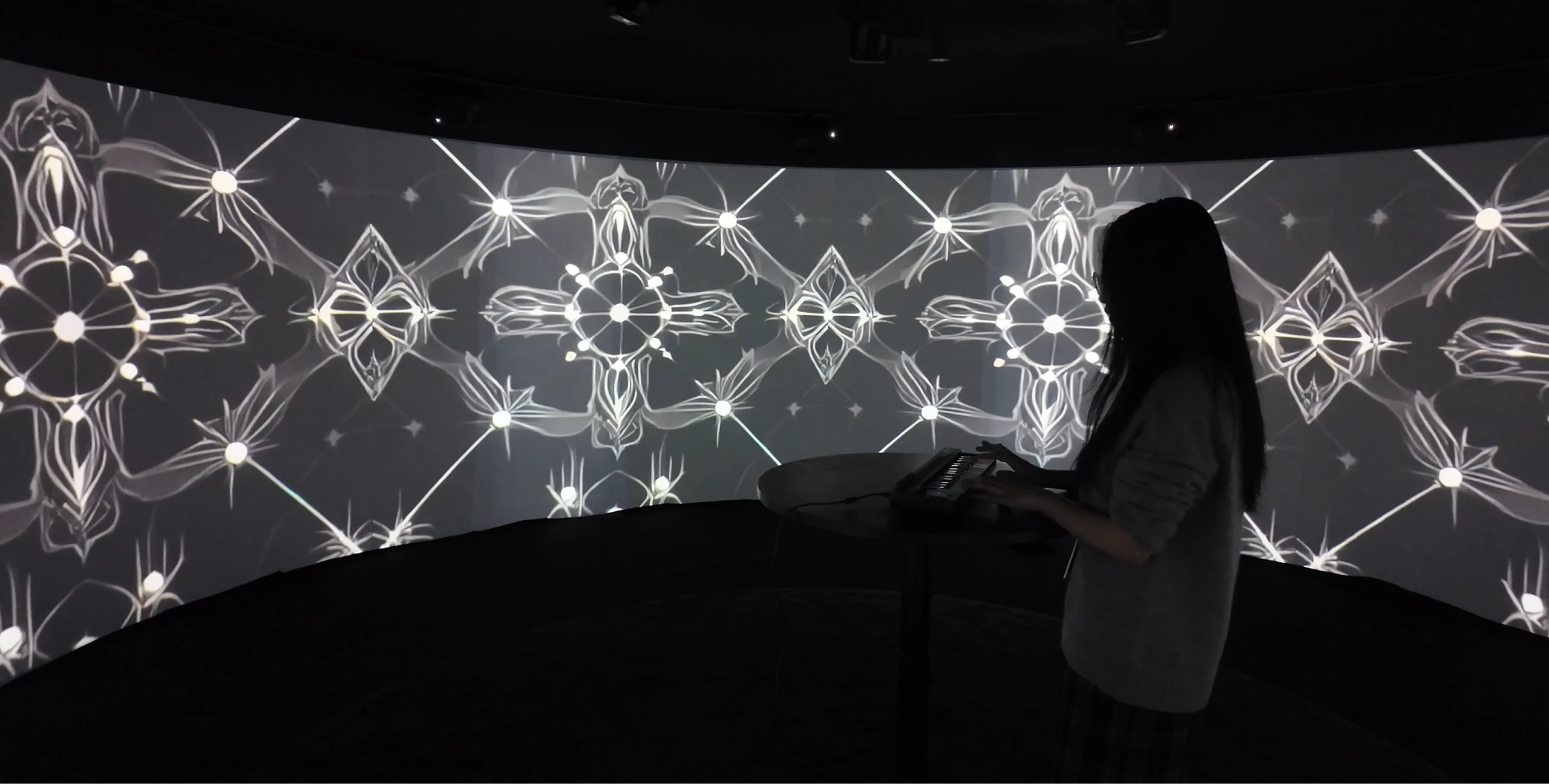
By translating sound into immersive spatial and visual experiences, the project invites the audience to sense the subtle interplay of perception, resonance, and energy, revealing the hidden and intricate connections that bind us to the living, dynamic world of sound.
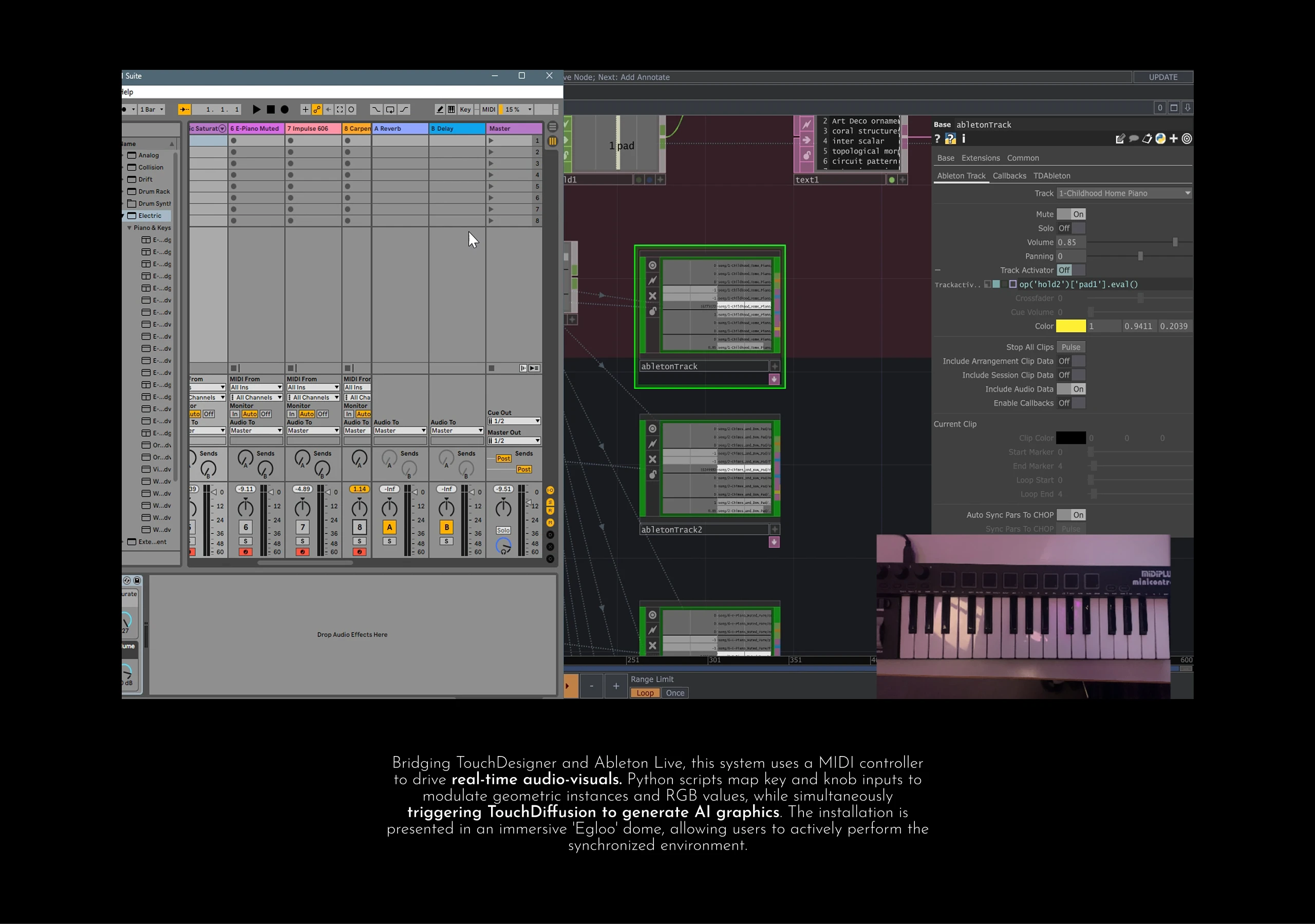
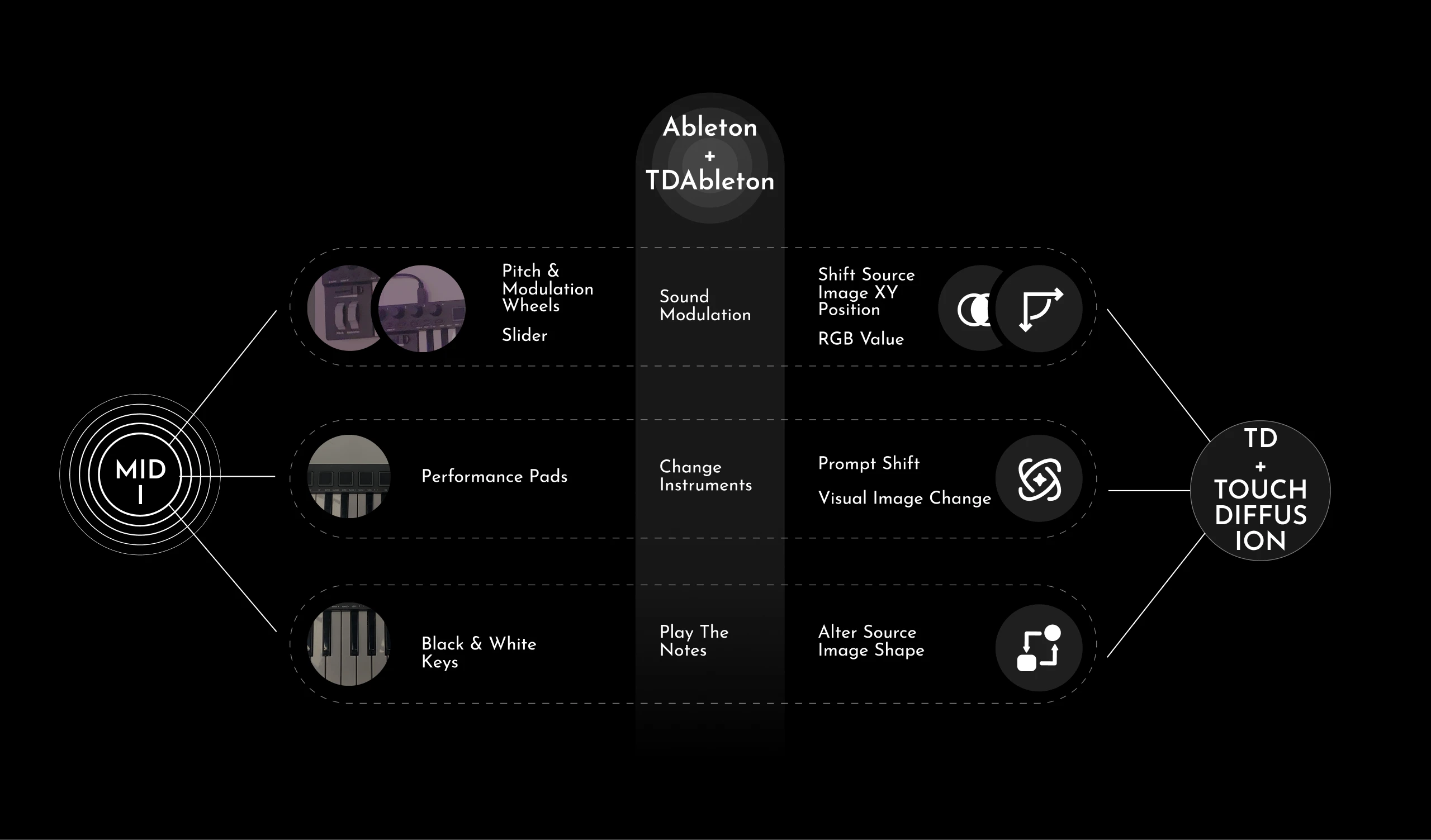
This project connects TouchDesigner with Ableton Live, using a MIDI controller to play different instruments and trigger AI-generated graphics in real time. The foundation of the system is a base called abletonMidi, which imports every key, pads and knobs on the MIDI board. Each key is designed to control the value of a dot, which is used as the y-coordinate for circles rendered on screen. To define the x-coordinates, a pattern CHOP is used and set to a ramp type, which is then attached to the instances of the geometry.
The 6 knobs on the MIDI board are mapped to the RGB values of the rendering material and the translation, enabling dynamic control of both the circle’s color and its movement across the screen. Consequently, the size, position, and color of each circle can be manipulated through the MIDI interface, creating a responsive and interactive visual experience.
In addition, a noise pattern serves as the background for the circles, which also responds to key presses, introducing controlled randomness and enhancing the AI-generated variations. The combination of the moving circles and evolving noise forms the core of the AI interaction: pressing a key updates the visuals in real time.
For AI generation, TouchDiffusion is integrated into TouchDesigner, and Python scripts in CHOP Execute MAT manage the switching of prompts, strengths, and seeds via pad presses. Another base, AbletonTrack, allows the pads to trigger different instruments and sound effects, synchronizing the audio with the visuals.
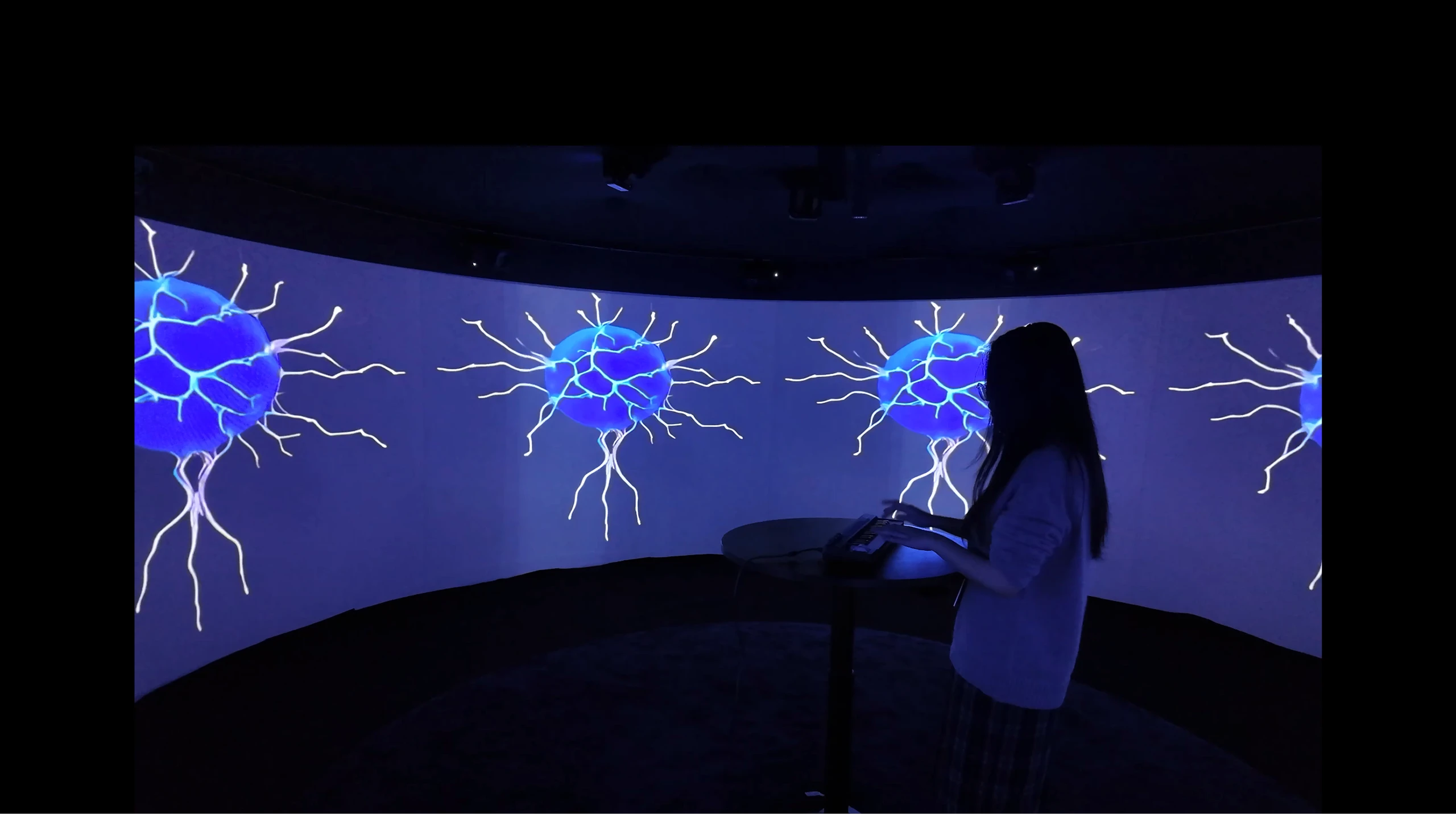
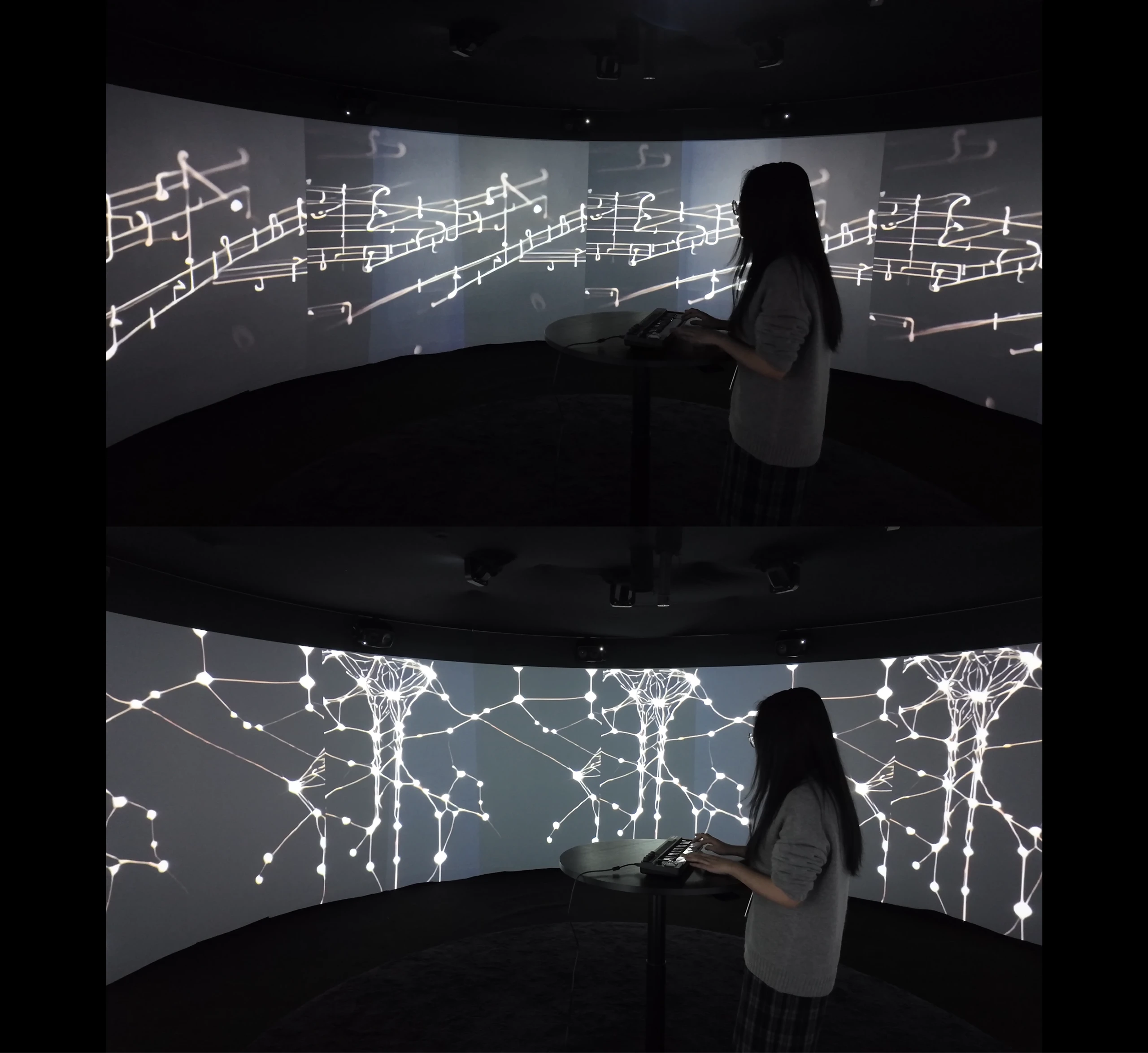
To create an immersive experience, the installation is presented in an Egloo—an enclosed, circular screen space.